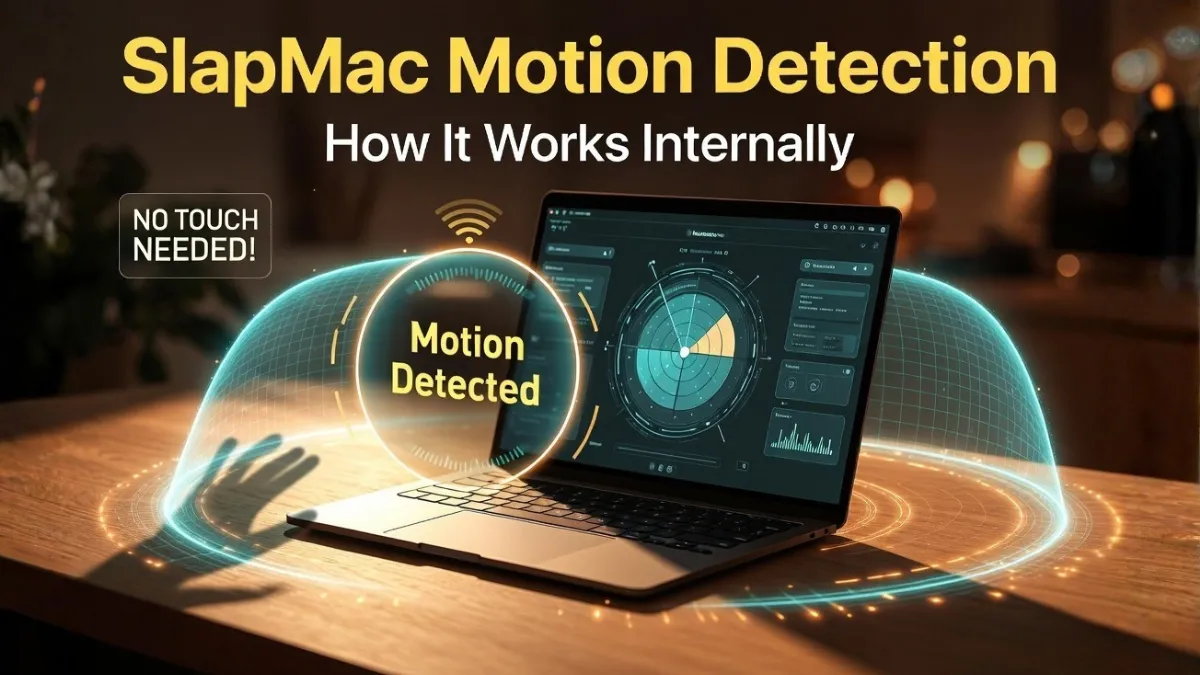
SlapMac is a fun MacBook app that reacts when you slap or tap your laptop by playing sounds. While it may seem simple on the surface, the way it detects motion internally is quite interesting.
Instead of just reacting randomly, SlapMac uses a combination of sensor data, filtering, and detection logic to accurately identify real slaps. This ensures that normal activities like typing or small movements do not trigger unwanted sounds.
In this article, we will break down how SlapMac detects motion internally in a simple and easy-to-understand way.
How Motion Detection Works in SlapMac
SlapMac relies on the built-in motion sensors available in modern MacBooks. These sensors continuously monitor movement across different directions.
When you slap or tap your MacBook, it creates a sudden spike in motion data. The app reads this data and processes it in real time.
However, not every movement is considered a valid slap. SlapMac first filters out small and normal movements like typing, trackpad use, or minor vibrations. Only strong and sudden movements are analyzed further.
Multi-Step Detection Process
To improve accuracy, SlapMac follows a multi-step detection system:
- Sensor Data Collection – Motion data is constantly read from the device
- Filtering Stage – Low-intensity movements are removed
- Spike Detection – Sudden motion changes are identified
- Verification – Multiple checks confirm the impact
- Action Trigger – Sound is played after confirmation
This layered process ensures that the app responds only to meaningful actions.
Why It Doesn’t Trigger on Normal Usage
One of the smartest parts of SlapMac is its ability to ignore everyday actions.
Typing, scrolling, or slightly moving the laptop produces low-intensity motion. Since SlapMac is designed to detect strong impact signals, these small movements are filtered out early in the process.
This prevents false triggers and keeps the experience smooth.
Motion Detection System
| Component | Function |
|---|---|
| Motion Sensors | Capture real-time movement data |
| Filtering System | Removes small or normal movements |
| Spike Detection | Identifies sudden motion changes |
| Verification | Confirms if the movement is a slap |
| Sound Trigger | Plays sound after detection |
Frequently Asked Questions
Does SlapMac use real motion sensors?
Yes, it uses built-in motion sensors available in MacBooks to detect movement.
Why doesn’t it activate while typing?
Typing produces low-intensity movement, which gets filtered out by the system.
Is the detection accurate?
Yes, the app uses multiple steps to ensure accurate detection and avoid false triggers.
Final Thoughts
SlapMac uses a smart combination of motion sensors, filtering, and multi-step verification to detect slaps accurately. Even though it is designed for fun, the internal system is well-structured and efficient.
By understanding how motion detection works, users can better appreciate the technology behind this simple yet entertaining MacBook app.