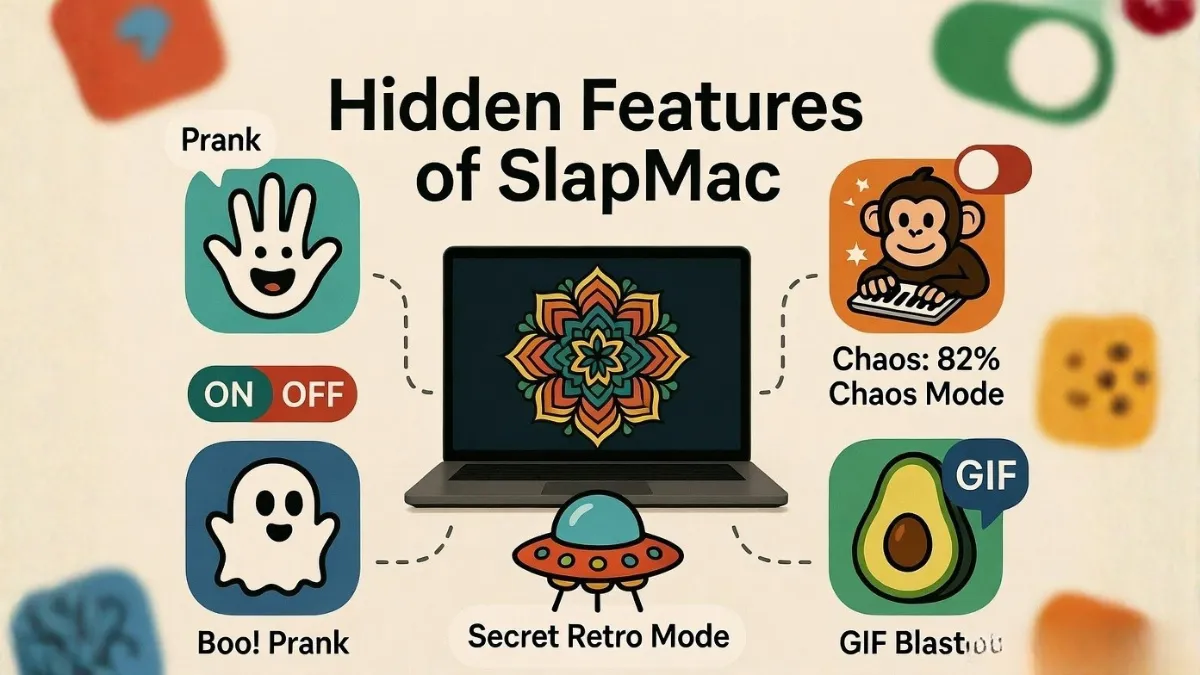
SlapMac is widely known as a fun MacBook app that reacts when you slap or tap your laptop. But most users only use its basic feature triggering funny sounds.
What many people don’t know is that SlapMac includes several hidden features and settings that can completely change your experience. From customizable sound packs to sensitivity control, these features make the app much more powerful than it looks.
In this article, we’ll explore the hidden features of SlapMac that you probably didn’t know about.
1. Adjustable Slap Sensitivity
One of the most useful hidden features is the sensitivity control.
- You can adjust how hard you need to slap
- Lower sensitivity = reacts to light taps
- Higher sensitivity = only reacts to strong slaps
This helps prevent false triggers during typing or normal use
2. Multiple Sound Pack Support
Most users only use the default sounds, but SlapMac actually supports different sound packs.
- Funny voice reactions
- Meme sound effects
- Custom audio styles
Switching sound packs can completely change how the app feels.
3. Intensity-Based Reactions
SlapMac doesn’t just detect a slap — it also measures how hard you hit your MacBook.
- Light tap → soft sound
- Medium slap → louder reaction
- Hard slap → extreme or funny sound
👉 This makes the app feel more interactive and realistic
4. Background Mode (Menu Bar App)
SlapMac runs silently in the menu bar, which means:
- No need to keep the app open
- Works in background
- Doesn’t interrupt your workflow
This makes it a lightweight utility, not just a one-time fun app.
5. Lid Detection Feature
Some versions of SlapMac include lid angle detection.
- Detects when you open/close your MacBook
- Can trigger sounds or effects
👉 This feature adds another layer of interaction beyond just slapping.
6. USB Trigger Mode
A lesser-known feature is USB trigger detection.
- Detects when USB devices are connected or removed
- Can play sounds automatically
This is useful if you want fun reactions for daily actions.
7. Custom Sound Integration (Advanced)
Advanced users can sometimes add their own custom sounds.
- Record your own voice
- Add meme audio clips
- Create unique reactions
👉 This turns SlapMac into a personalized soundboard system
Hidden Features Overview
| Feature | What It Does |
|---|---|
| Sensitivity Control | Adjust slap detection level |
| Sound Packs | Change reaction sounds |
| Intensity Detection | Different sounds for different slap force |
| Background Mode | Runs in menu bar silently |
| Lid Detection | Detects open/close actions |
| USB Trigger | Reacts to USB events |
Frequently Asked Questions
Are these hidden features available in all versions?
Some features depend on the version of SlapMac, so not all users may see every option.
Can I add my own sound packs?
In some versions, custom sound support is available or planned for future updates.
Does enabling these features affect performance?
No, SlapMac is lightweight and runs efficiently even with additional features enabled.
Final Thoughts
SlapMac is more than just a simple slap reaction app. With features like sensitivity control, sound packs, lid detection, and custom triggers, it offers a surprisingly rich and interactive experience.
If you explore these hidden features, you can turn SlapMac into a highly personalized and entertaining tool that goes far beyond basic functionality.